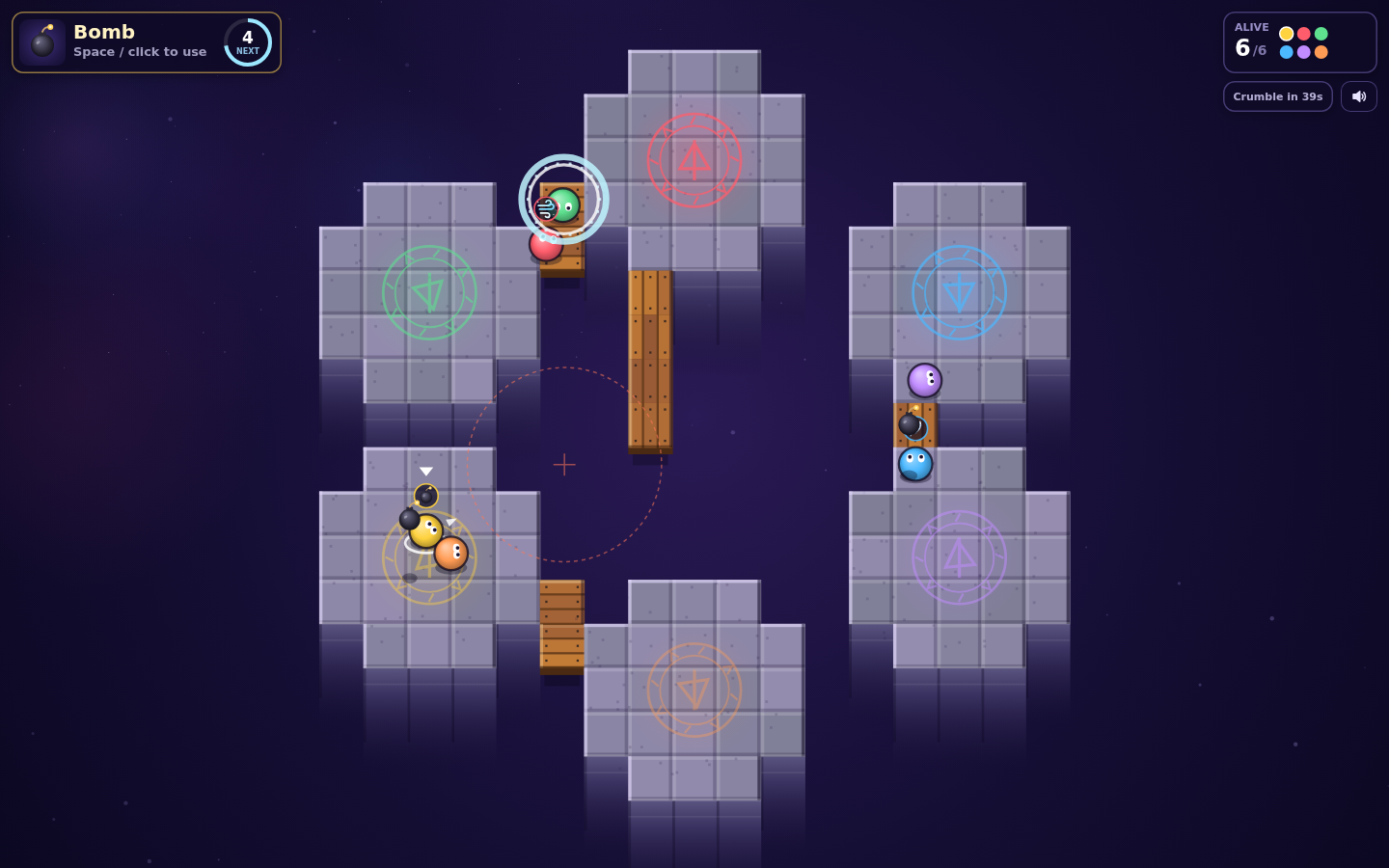
PM New idea: "Thumb Runes: Touch Controls for Phones". Play Fortune Spires on your phone with a glowing drag-to-move thumbstick on the left and a big tap-to-use item rune on the right. Vote on it in Ideas: 👍 and I build a prototype you can try, 👎 and I won't. · 2d
The PM’s pitch
Play Fortune Spires on your phone with a glowing drag-to-move thumbstick on the left and a big tap-to-use item rune on the right.
Why A quick, five-minute party brawler fits phones well, and a lot of browser players are on mobile. Right now they can't move or use items without a keyboard. Touch controls make the game playable for all of them. They also lay the groundwork for couch and online play later, because input stops being tied to the keyboard.
Add touch input next to the existing keyboard controls without changing keyboard behavior.
Scope:
- Find touch devices with pointer events (pointerType === 'touch') or 'ontouchstart' in window. Draw the controls only after the first touch, so desktop players never see them.
- Left half of the screen: a floating virtual stick. Wherever the thumb lands, draw a translucent rune ring there with a knob that follows the drag, clamped to the ring's radius. Feed it into the same movement vector the keyboard uses, with analog magnitude and a 15% deadzone.
- Bottom-right: a round item button, at least 72px, that shows the icon of the item you're holding (reuse the existing canvas item drawing). Tap it to use the item. For aimed items (plank, gust fan, grapple, sticky bomb), aim at the stick direction, or at the facing direction if the stick is idle.
- Use multi-touch with separate pointer IDs so you can move and use an item at the same time.
- Draw all controls on the canvas with simple shapes in the rune-glow style. No image assets.
- Add touch-action: none and stop page scroll, zoom and double-tap zoom on the game canvas. Add a viewport meta tag with user-scalable=no.
- Lay out for portrait and landscape. Recalculate positions on resize and orientation change, and respect safe-area insets.
- Menus and the restart screen respond to taps.
Acceptance criteria:
- On a phone (iOS Safari, Android Chrome) you can play a full match start to finish with touch only.
- Moving and using an item at the same time works.
- The page never scrolls or zooms during play.
- Desktop keyboard play is unchanged and shows no touch UI.
- No frame rate drop from the overlay (it's drawn in the existing render pass).