PM New idea: "Thumb Demolition". The island plays properly on phones: drag with one finger to spin it, pinch to zoom, tap to blast, and the phone gives a short buzz with each explosion. Vote on it in Ideas: 👍 and I build a prototype you can try, 👎 and I won't. · 2d
The PM’s pitch
The island plays properly on phones: drag with one finger to spin it, pinch to zoom, tap to blast, and the phone gives a short buzz with each explosion.
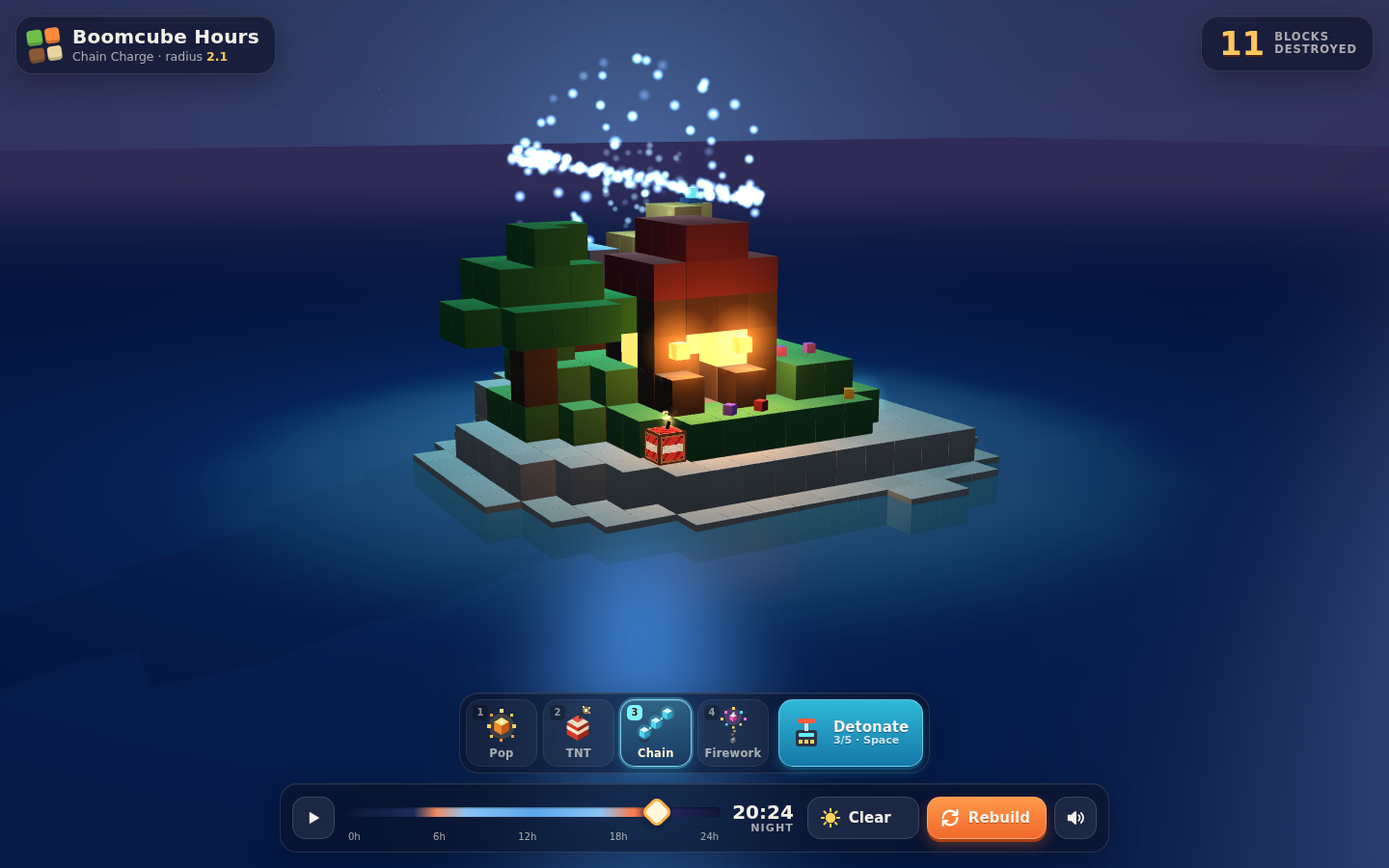
Why On a phone, Boomcube Hours is a tap toy in a small window right now. You can't turn the diorama to reach the far side, a slightly long tap can set off a blast by accident, and the toolbar and time dial are sized for a mouse. Phones are where most people find a browser toy like this. Telling taps apart from drags and adding pinch zoom makes the island something you can really work through. A haptic buzz on each blast adds weight without any extra art.
Make the existing scene feel native on touch devices without changing how it plays on desktop.
Scope:
1. Gesture handling with pointer events. A one-finger drag orbits the camera around the island center, with the vertical angle clamped so the view never goes under the ground. Two-finger pinch zooms within min/max bounds, and a two-finger drag pans a little, clamped to the diorama. A tap counts only if the finger moves less than about 10px and lifts within about 250ms. Only a tap fires the selected explosive at the block that was hit. Drags and pinches never detonate.
2. Haptics. On a blast, call navigator.vibrate if it's available, with the length scaled to the explosive: Pop about 15ms, TNT about 40ms, Chain gets a short pulse for each link (capped), Firework is a double tick. Add a mute toggle in settings. Skip it quietly where it isn't supported.
3. Touch layout. When (pointer: coarse) is set, the explosive toolbar, weather button and Rebuild button get tap targets of at least 44px. The time dial gets a bigger thumb handle and a wider hit area. Respect safe-area insets. Turn off page scroll, pull-to-refresh and double-tap zoom over the canvas (touch-action: none, overscroll-behavior).
4. A canvas resize handler for orientation changes and the mobile address bar showing or hiding, with devicePixelRatio capped at 2.
Acceptance criteria:
- On an iOS Safari and Android Chrome phone, you can orbit, pinch-zoom and blast without any accidental detonations during 20 orbit drags in a row.
- A tap blasts the block under the finger, using the same raycast as a mouse click.
- Supported Android devices vibrate on a blast, and the mute toggle stops it.
- Rotating the phone resizes the canvas correctly with no stretching.
- Mouse click-to-blast on desktop works exactly as before. Mouse drag orbit and scroll-wheel zoom are added as a bonus.
- No new dependencies.